
Your website is often the first thing potential customers see when they meet your brand. For many website visitors, it is the introduction. Before an email. Before a call. Before they read your blog posts or follow you on social media.
Think of it like your most consistent salesperson. It never takes a day off. It quietly answers questions, sets expectations, and nudges people forward. Or, if something feels off, it pushes them away without a word.
When site visitors land on a page that’s slow, confusing, or outdated, trust drops fast. People don’t complain. They leave and keep searching. That’s especially true when someone finds you through a search engine and doesn’t know you yet.
A good salesperson focuses on building trust early. Your website should do the same. Clear signals—placed where people naturally hesitate—help prospective customers feel at ease. Product pages, service pages, contact forms, and checkout flows (if you have them) are all moments where reassurance matters.
Do this well and your site becomes a great way to support customer service before a conversation ever starts. People feel confident moving forward, and that confidence compounds over time.
What Are Trust Signals and Why They Sell

Trust signals are visible cues that show your business is real, credible, and safe to work with. They help answer the quiet questions potential customers are already asking.
Common examples include positive reviews, client logos, active social media accounts, security badges, full contact details, and links to third-party platforms like the Better Business Bureau. Even small details—like a VAT number for international clients or a clearly stated business location in the United States—can matter.
For an ecommerce site, trust signals often revolve around payments. Seeing familiar credit card icons, secure checkout indicators, and clear explanations of how credit card information is handled can be the difference between a sale and an abandoned cart.
For service businesses, it’s more about credibility and proof. Case studies, customer feedback, and recognizable names all help reduce uncertainty.
When you use trust signals intentionally, your website does more than look professional. It actively helps turn visitors into customers.
The Psychology Behind Trust Signals on Websites
Trust signals work because people look to others when making decisions. Especially online.
If someone sees that other customers had good experiences, it lowers the mental risk. That’s social proof. We all use it, whether we’re choosing a restaurant, a contractor, or a digital service.
Customer testimonials, case studies, and positive reviews tell a simple story: “Others tried this, and it worked.” For new website visitors, that reassurance is powerful.
Even negative reviews can help when handled correctly. Thoughtful responses show accountability and real customer service. They make the business feel human, not curated.
The end goal is customer trust. When people feel safe and informed, they’re far more likely to take the next step.

Identifying the Most Crucial Trust Signals Across Website Types
Not every business needs the same trust signals. What matters most depends on how customers interact with you. A local service business needs to prove physical presence and community involvement. A digital service business like Mutewind needs to establish credibility, expertise, and consistency—often without ever meeting clients in person.
Understanding the difference helps you focus on the signals that actually move the needle instead of cluttering your site.
Below is a simple comparison to show how priorities change.
Local Service Business (e.g., in Doylestown, PA)
- Physical address and phone number clearly displayed
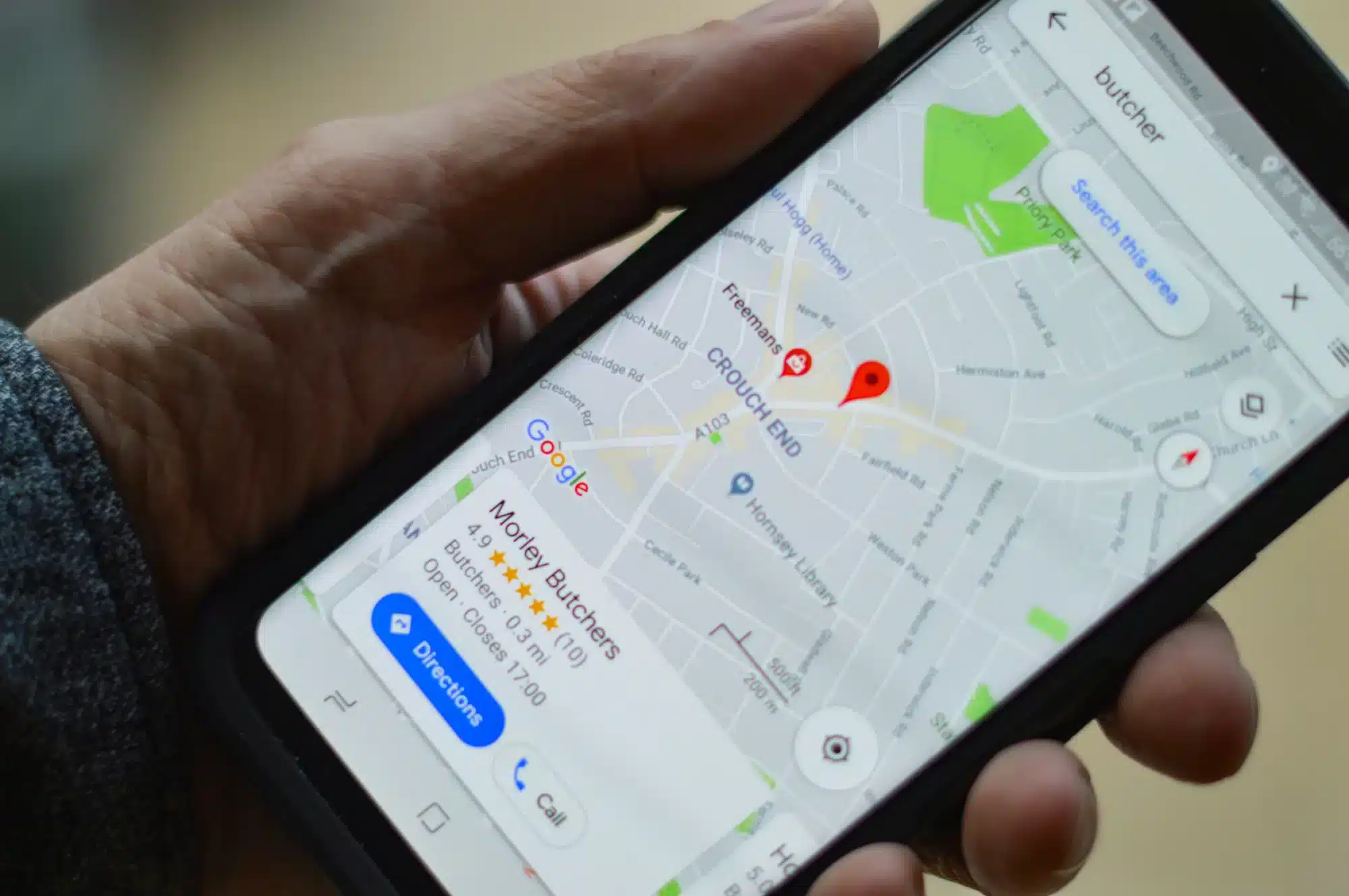
- Embedded Google Maps listing
- Photos of your team, office, and local involvement
- Customer testimonials with names and locations
- Logos of local associations, licenses, or awards
Digital Service Business (e.g., Mutewind)
- Clear explanations of services and process
- Case studies that show real outcomes
- Client logos and recognizable platforms
- Custom photography that shows real people doing real work
- Customer feedback placed throughout the site
Trust Signals Every Small Business Website Should Implement
You don’t need a massive budget to start building trust. For small businesses, especially, the basics go a long way.
First, make your contact information easy to find. Phone number, email, address, and social media links should be obvious. This shows transparency and tells visitors you’re reachable.
Next, connect your social media accounts to your website. Active profiles signal that the business is alive and engaged. Even simple, consistent updates help.
Displaying customer feedback is another easy way to build credibility. A few strong testimonials on your homepage can dramatically change how site visitors feel. Blog posts that explain your thinking or share real insights also help establish authority over time. None of this needs to be fancy. It just needs to be real.
Digital Trust Signals: Using Social Proof Across Platforms
Trust isn’t built in one place. Prospective customers check around. They look at search results. They read reviews. They click social media links. They scan directories. Every touchpoint reinforces—or weakens—confidence.
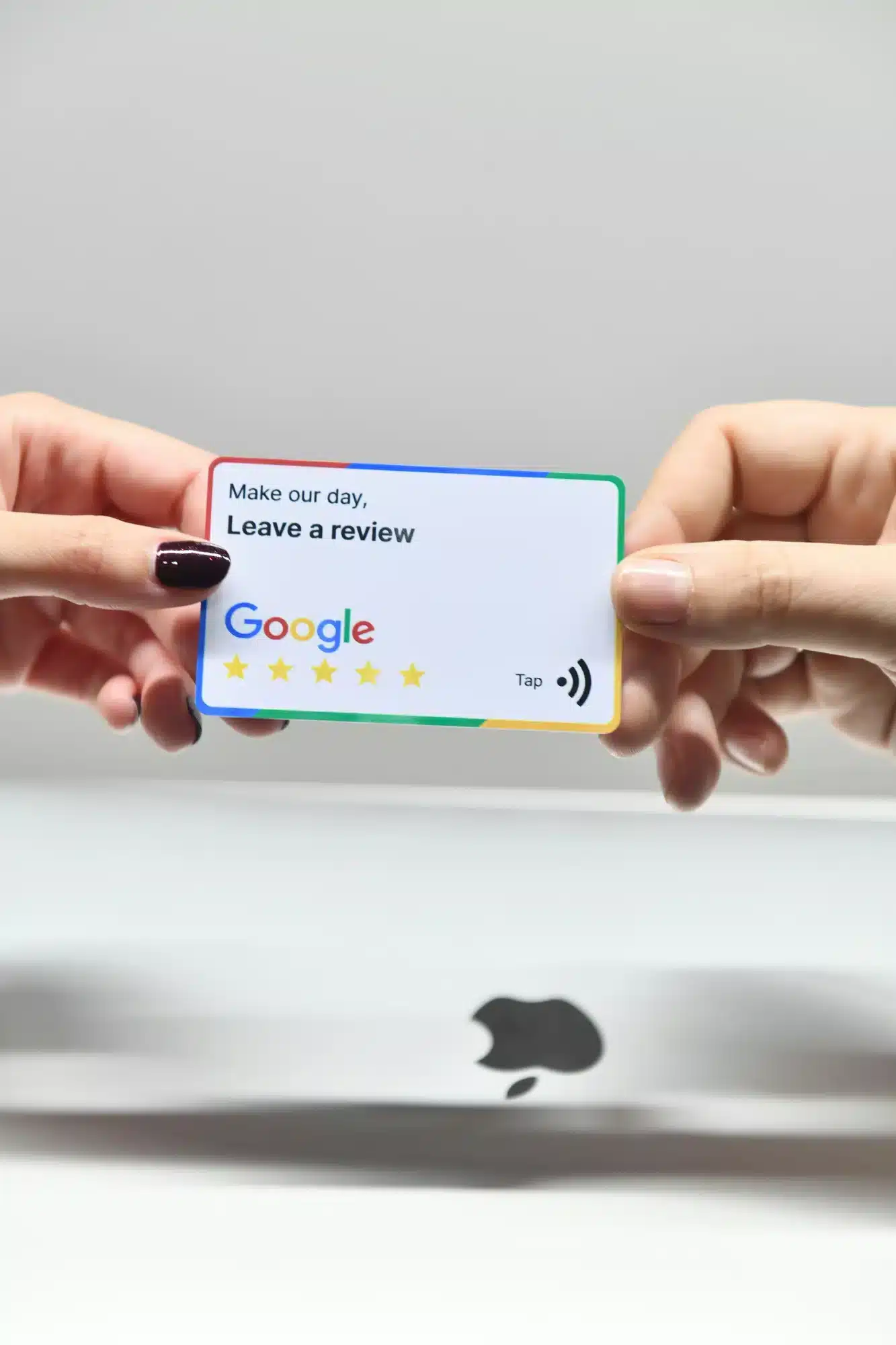
That’s why off-site trust signals matter. Positive reviews on platforms like Google or industry sites add credibility because they’re independent. Media mentions from respected media outlets do the same. Even small mentions help anchor legitimacy.
At Mutewind, this is intentional. I meet with clients every month and actively ask for customer feedback while it’s fresh. Those testimonials get used across the site, not hidden on a single page.
Any opportunity for new photos, I take it. Custom photography replaces stock images wherever possible—on the website, in directories, and across social profiles. It keeps everything current and human.
Client logos appear on the homepage to give quick context. Testimonials show up throughout the site where they naturally support the message. It’s an easy way to quietly reinforce trust without overselling. Good news spreads when you let it.
Auditing and Updating Your Website Trust Signals
Trust signals need upkeep. They’re not set-and-forget. Every few months, it’s worth doing a quick review. Check that your SSL certificate is active. Make sure social links work. Confirm your business details are accurate across platforms.
Outdated pages, broken links, or stale testimonials can erode customer trust fast. Even small things—like an old footer year—send the wrong signal. Testing helps too. Try rotating testimonials. Experiment with where you place client logos or reviews. Watch how site visitors respond. When your site looks cared for, people assume your work is too.
Conclusion
Your website is more than an online brochure. It’s a working salesperson that shapes first impressions for potential customers every single day.
When you focus on trust signals—real reviews, case studies, current photos, clear information, and visible proof—you make it easier for people to move forward with confidence. That confidence leads to better conversations, stronger relationships, and long-term customer trust.
If your website isn’t doing that yet, that’s good news. It’s fixable. And improving trust is often the easiest, highest-impact change you can make.
Frequently Asked Questions
Are there any checklists or guides for adding trust signals to my website?
Yes — and we built one because most of them are either too vague or way too fluffy.
We put together an Ultimate Website Trust Signals Checklist that walks through exactly what builds trust (and what quietly hurts it). It covers on-page signals like testimonials, client logos, photos, and contact info, plus off-site trust like reviews, directories, and social proof.
It’s practical. No theory. No filler.
You can use it as a quick audit or a deeper cleanup guide.
You can download the PDF here and work through it at your own pace.
How many trust signals should my website display?
There is not a set number for this. You should care more about quality than how many you use. Pick a few powerful trust signals that can answer the main worries new customers have on product pages. If you add too many, it can hurt the user experience. Try different ones to see which help increase conversion rates the most.
Do trust signals differ by industry or website type?
Yes, you are right. The most important trust signals change depending on the industry. If you run ecommerce websites, showing payment security badges is key. For a local service business in Pennsylvania, listing your physical address and sharing local reviews builds more trust with people. When you work on web design, focus on the trust signals that matter most to your audience.
What are quick-win trust signals to boost customer confidence?
To give your website a quick boost, show customer testimonials with photos of satisfied customers. Use clear trust badges for payment methods on your checkout page. Set up a simple live chat. Put links to your active social channels so people see that you are accessible and ready to help.